Choose the journey
Agree the contact permission, event and timing for the invitation. Use a consistent question set for each journey and avoid mixing unrelated experiences in one score.
Fitness · SurveyMe
Listen at day 30, day 90 and when a member asks to freeze or cancel.
$119 / month per location
Explore the industry use cases ↓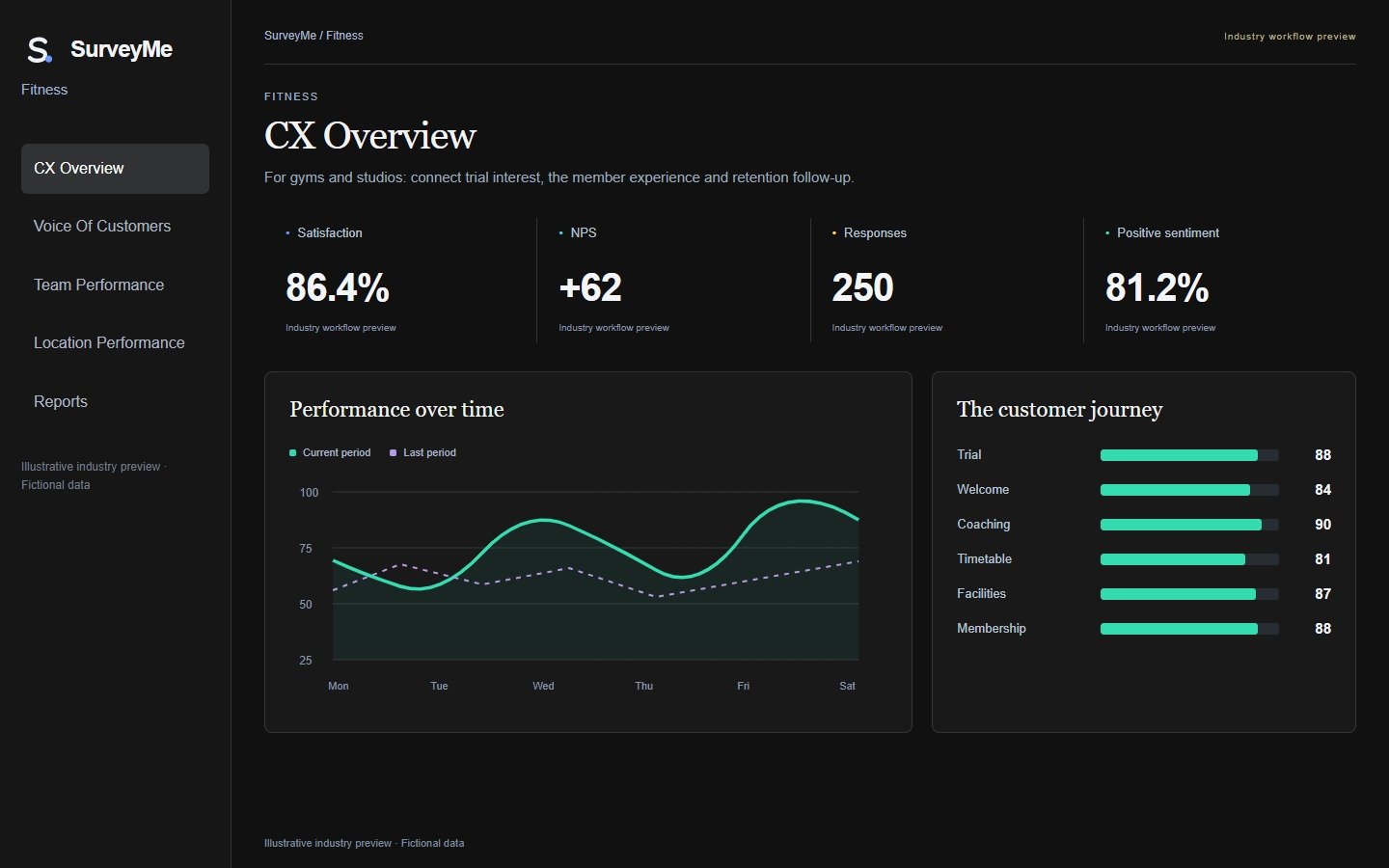
Illustrative operating examples, not client results or a promised return.
A studio group invites member feedback at agreed points such as the first month, the third month or after a membership freeze. Questions explore timetable convenience, class availability, coaching experience and facilities. A member who says evening classes are always full provides a clear theme for the studio manager to examine.
Compare studios and membership stages without assuming that a new trial visitor and a long-standing member have the same needs. Track comments alongside satisfaction and recommendation scores. Feedback explains the experience; membership retention figures should come from the confirmed membership records.
Agree the contact permission, event and timing for the invitation. Use a consistent question set for each journey and avoid mixing unrelated experiences in one score.
Review scores with response volumes and the comments behind them. Compare equivalent branches, stages and periods, then identify themes that the team can act on.
Agree which feedback needs a callback and who owns it. Where a CaseMe connection is configured, keep the response and service-recovery outcome linked to the concern.
Studio; membership stage; timetable and availability ratings; facilities feedback; member comment
Studio manager or group member-experience lead
Participation, satisfaction, recommendation and recurring class-availability or facility themes by studio
Start with your own baseline and compare like-for-like periods after rollout. Use confirmed activity and outcomes to assess performance; illustrative examples are not guaranteed results.
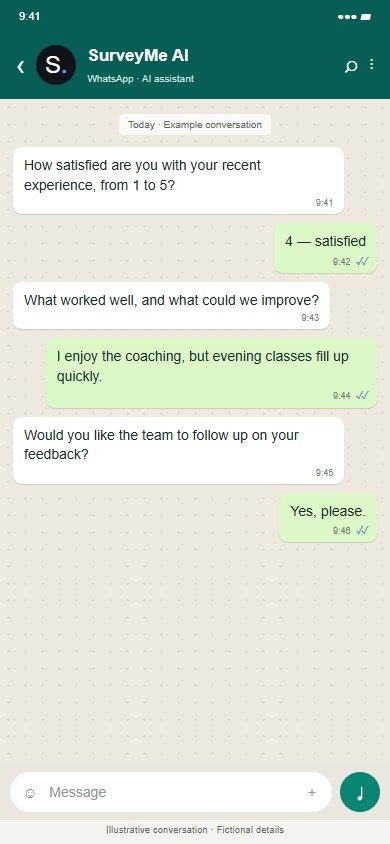
Illustrative conversation with fictional details; wording and connections are agreed before rollout.
The shared product workspace below uses fictional automotive demo data; the industry-specific examples are explained above.
Inside SurveyMe · 5 workspace tabs
Select a tab for a closer look at its purpose, the work it supports and the actual interface. Click any screenshot to enlarge it.
Actual product screens · Illustrative Demo data. Available views depend on the user’s role.
Start with one agreed journey, its responsible team, data sources, permissions and follow-up targets. Calendar, CRM and operational-system connections, and WhatsApp or voice channels, are scoped before live use. The public demo is for exploration with fictional data.
Pro for a single studio; group pricing from three locations.
 LeadMe
 SurveyMe
 CaseMe
The Pro suite is $299/month per location, compared with $377 for the three individual products — about 21% less.
SurveyMe: $119 per location/month as a single product with applicable Pro features.